How to buy Bloopbert Coin ($BLBT) with the Phantom app
1. Install Phantom
Download Phantom from the App Store, Google Play, or as a browser extension.
Create or import your wallet and securely save your recovery phrase.
2. Get SOL
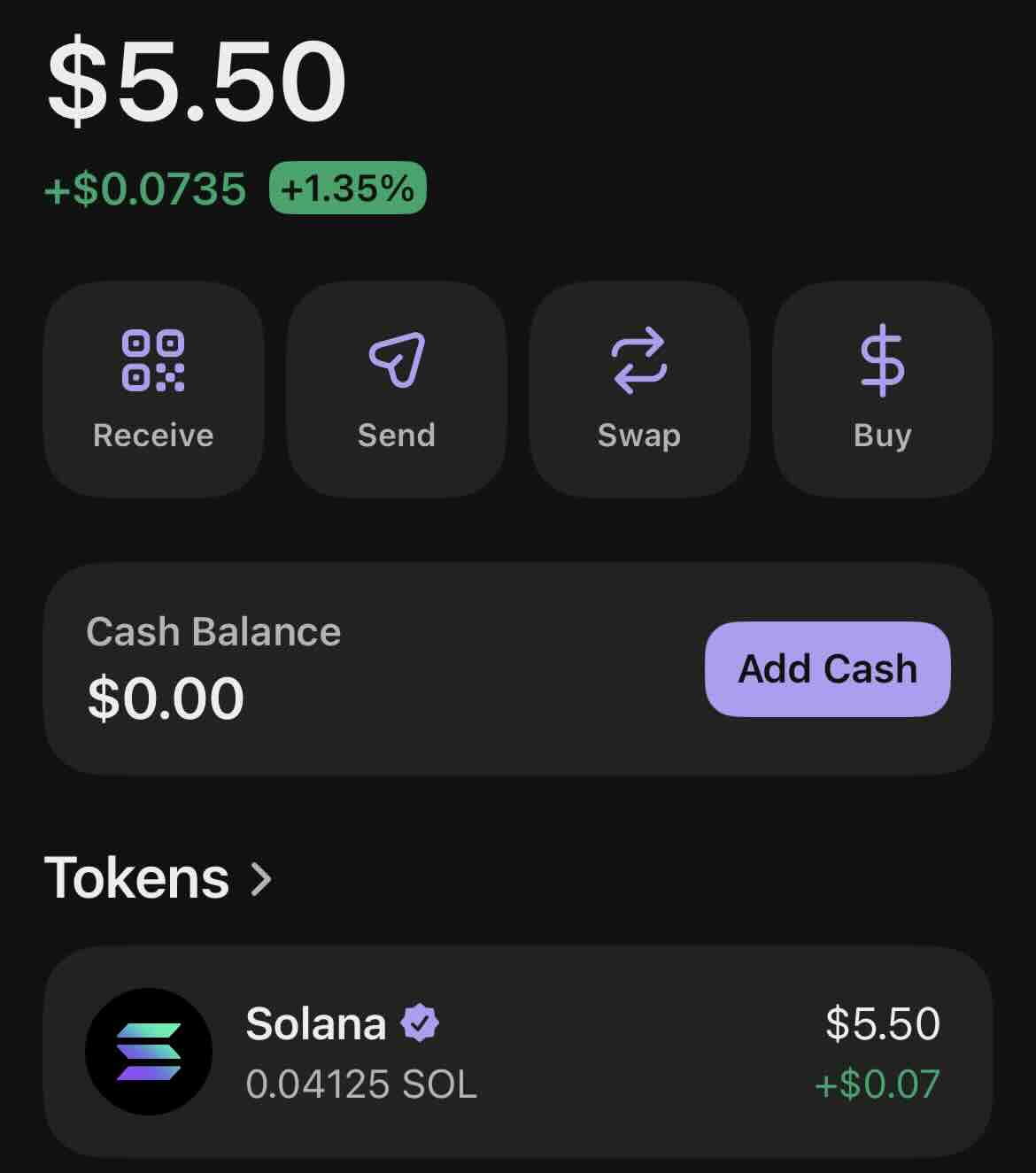
You must have SOL in your Phantom wallet before buying Bloopbert Coin.
Buy SOL directly inside Phantom or send it from an exchange.
Make sure your SOL balance appears before continuing.
3. Copy the Official Contract Address
Always use the official Bloopbert contract address to avoid fake tokens.
DKuXrnBA7kEdBDFHfWBBDUY2Jt2sw1zu9dmKuX7Qpump
4. Swap SOL for Bloopbert Coin
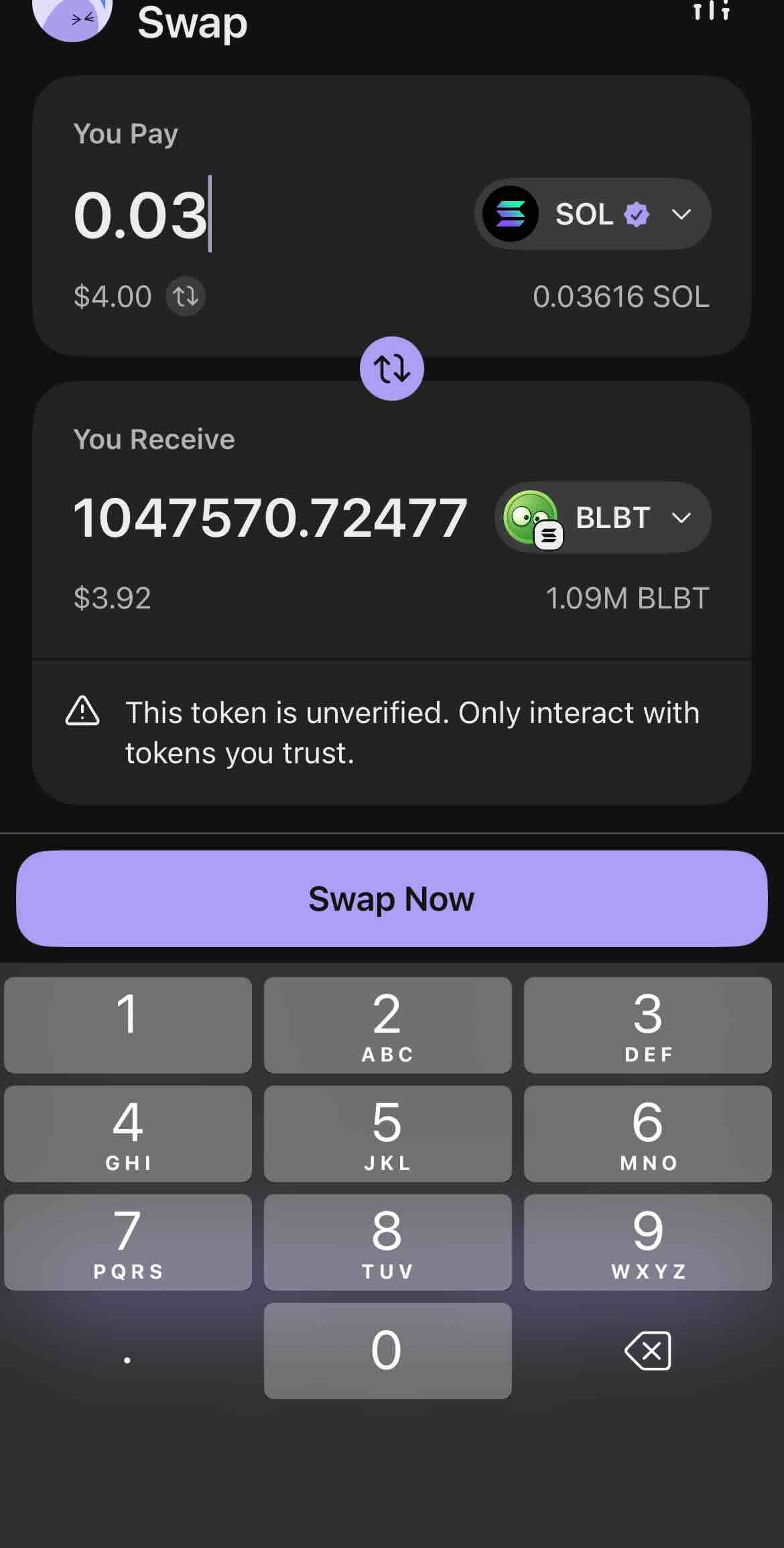
Open Phantom.
Tap Swap.
Select SOL as the token you are swapping from.
Paste the Bloopbert contract address into the token search field.
Select Bloopbert ($BLBT).
Enter the amount of SOL you want to swap.
Confirm the transaction.
Once the transaction is complete, Bloopbert Coin will appear in your Phantom wallet.
NOTE: If it does not show up:
Go to your token list in Phantom.
Pull down to refresh.
If needed, paste the contract address again via search.
🎉 Congratulations! You now own Bloopbert Coin ($BLBT).
Welcome to the Bloopbert community — enjoy the journey.